← Back to courses

Beginner · Designed for researchers and data analysts

R — Statistical Analysis and Data Visualization for Beginners

Learn R, a programming language widely used for statistical analysis, research, data visualization, and reproducible scientific computing. This course introduces the R environment, basic programming, data management, statistical tests, and professional visualization using practical examples.

FormatLive on Zoom
LengthMulti-day sessions
FeeRs. 10,000

Up to 5 in a group, same fee

IncludesE-certificate, notes, exercises, and datasets

About the R Training Course

The R — Statistical Computing and Data Analysis for Beginners course is designed to help students, researchers, faculty members, teachers, and professionals develop practical skills in statistical analysis, data management, and visualization using R, a programming language widely used in statistics, scientific research, and data science. Statistical analysis plays an important role in academic research, surveys, experimental studies, social sciences, economics, education, public health, and many other disciplines. However, beginners often face challenges when preparing datasets, selecting appropriate statistical methods, interpreting analytical results, and presenting findings in a clear and meaningful way. This course addresses these challenges through a structured, beginner-friendly introduction to R, beginning with the fundamentals and gradually progressing towards commonly used statistical techniques and research applications. Participants will learn how to install and use R and RStudio, understand the programming environment, write and execute commands, manage files, and install the packages required for different analytical tasks. The training introduces essential programming concepts, including variables, data types, operators, vectors, matrices, lists, factors, and data frames. Participants will also learn how to write basic functions, use conditional statements and loops, and organize commands into reusable scripts. These foundational skills provide a practical starting point for working with research data and performing statistical computations. No previous programming or R experience is required, making the course suitable for beginners who wish to develop statistical computing skills for academic or professional purposes.

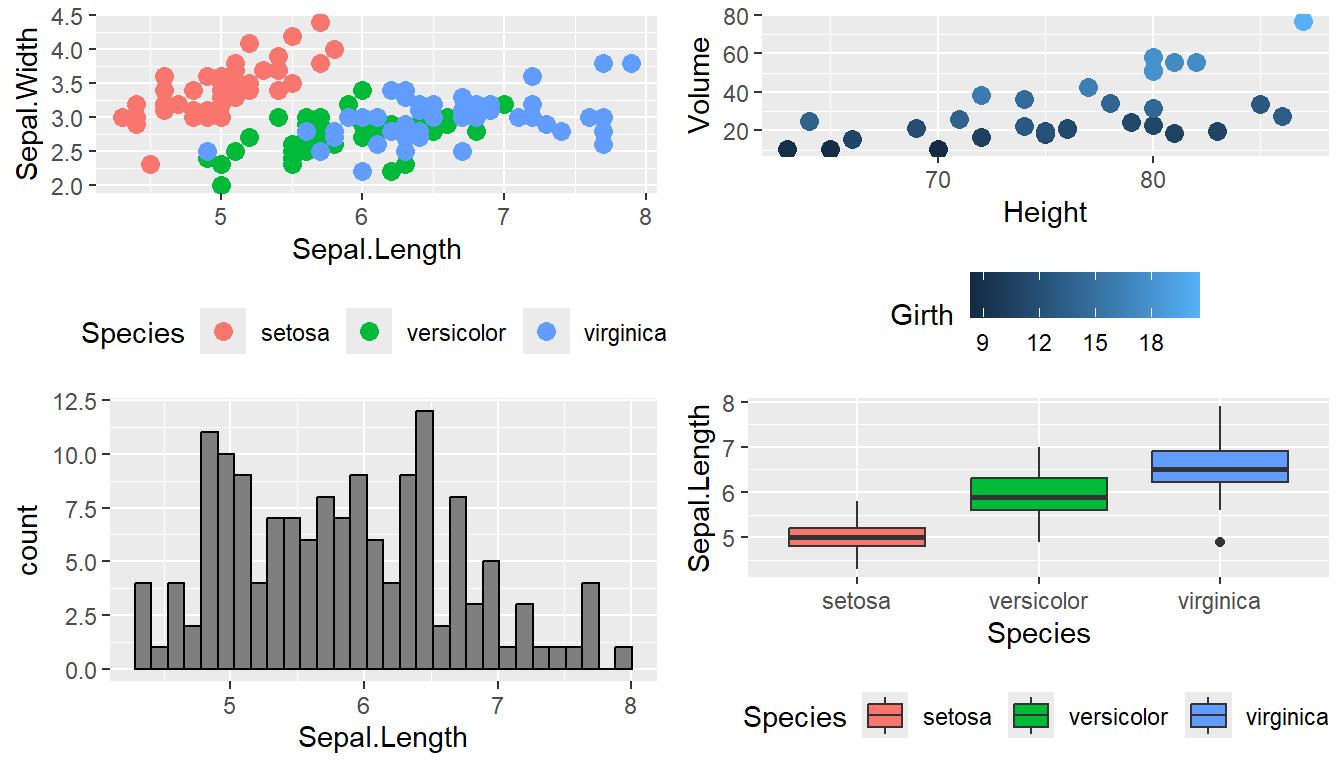
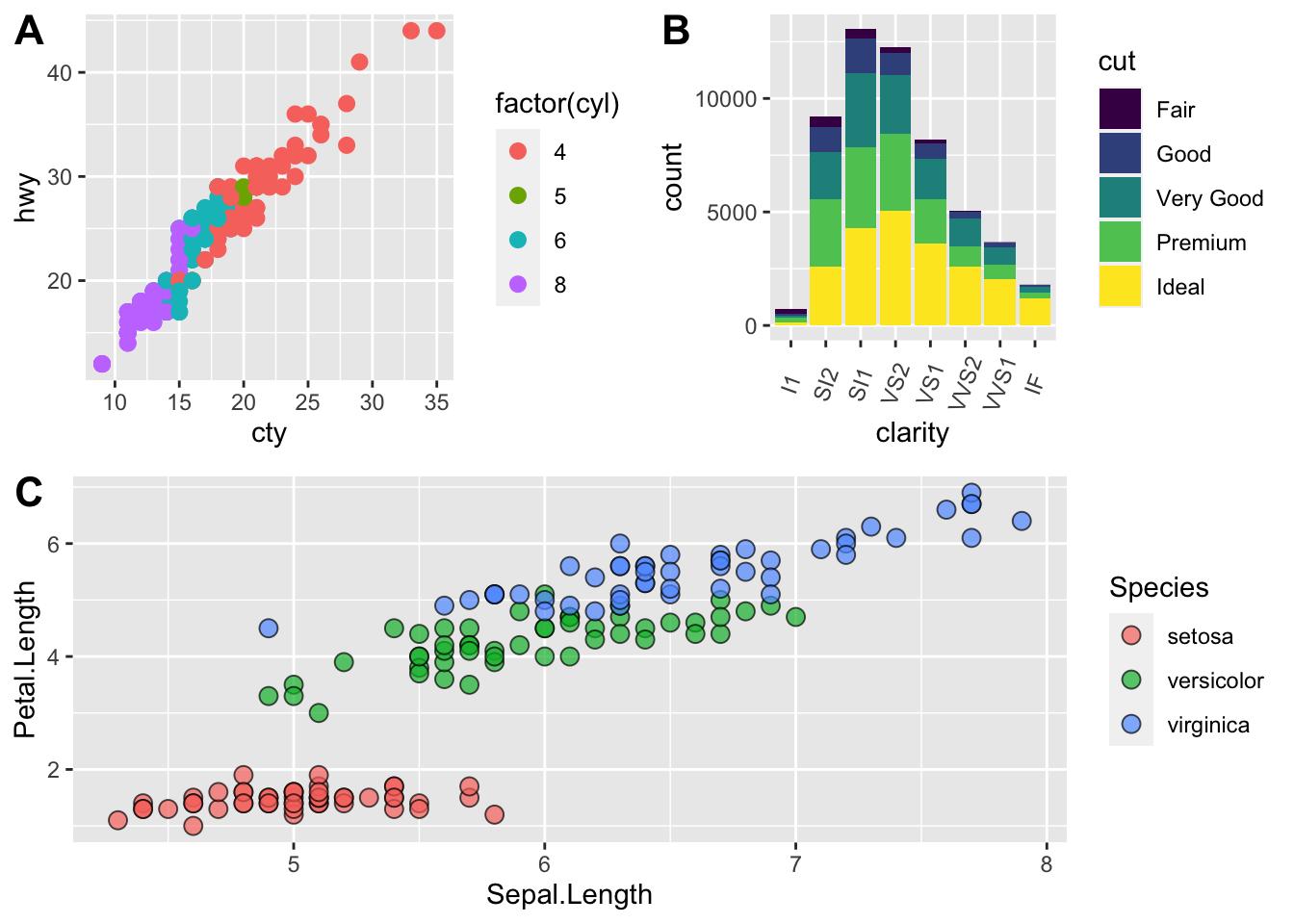
A major component of the course focuses on data preparation, statistical analysis, and visualization using R. Participants will learn how to import datasets from CSV, text, and Excel files, inspect their structure, identify variable types, and prepare data for analysis. Practical exercises will cover identifying missing values, detecting duplicate records, correcting data types, renaming variables, filtering observations, sorting data, recoding categorical variables, creating new variables, and combining datasets. Participants will also be introduced to widely used R packages, including dplyr and tidyr, for data manipulation and transformation. The course then explores descriptive statistics, enabling participants to calculate frequencies, percentages, means, medians, variances, standard deviations, quantiles, and other summary measures. They will learn how to generate frequency tables, cross-tabulations, grouped summaries, and correlation matrices to understand patterns and relationships within datasets. Data visualization is another important area of the training. Participants will practice creating bar charts, histograms, boxplots, scatterplots, line charts, and other graphical representations using base R and ggplot2. They will learn how to customize titles, labels, legends, axes, and layouts to produce clear and informative figures suitable for research reports, presentations, and publications. The training also introduces fundamental concepts of probability and statistical inference, including sampling, probability distributions, confidence intervals, hypothesis testing, significance levels, and p-values. Common statistical procedures, such as one-sample, independent-samples, and paired-samples t-tests, chi-square tests, correlation analysis, and selected nonparametric tests, will be discussed through practical examples. Participants will also explore simple and multiple linear regression, learn how to interpret model coefficients and measures of fit, and understand the importance of checking assumptions before drawing conclusions. Where relevant, questionnaire analysis, Likert-scale data, reliability analysis using Cronbach's alpha, and introductory factor analysis will be demonstrated to illustrate the application of R in survey-based and academic research.

The course also emphasizes reproducible research, reporting, and practical analytical projects. Participants will learn how to organize R scripts, document analytical steps, use packages effectively, and maintain a clear separation between raw data, processed datasets, code, and analytical outputs. An introduction to R Markdown and Quarto will demonstrate how written explanations, R code, statistical tables, and visualizations can be combined into reports that can be regenerated when the underlying data or analysis changes. This approach is particularly useful for researchers who need to document their methods, share analytical workflows with collaborators, and produce consistent research outputs. The course also introduces selected advanced applications at a basic level, including time-series visualization, clustering, classification, and the use of specialized packages for different analytical tasks. These topics provide an overview of the broader R ecosystem without requiring participants to master advanced statistical modeling or machine learning. Practical exercises may involve importing and cleaning a sample research dataset, calculating descriptive statistics, conducting an appropriate hypothesis test, visualizing relationships between variables, and preparing a report summarizing the findings. By the end of the course, participants should be able to use R and RStudio to manage datasets, conduct common statistical analyses, create informative visualizations, interpret basic analytical results, and prepare reproducible reports for academic and professional purposes. The training is particularly suitable for undergraduate and postgraduate students, PhD scholars, researchers, faculty members, and professionals who want to strengthen their quantitative research and data analysis skills. It is delivered online through live, instructor-led sessions and can be arranged for individual participants or groups. Supporting materials, including presentation slides, notes, exercises, relevant scripts, and sample datasets, are provided to support practical learning, along with an e-certificate upon completion. The detailed syllabus below outlines the topics covered and provides a clear overview of the statistical methods, programming concepts, and practical skills participants can expect to develop during the training.

Course contents

Module 1

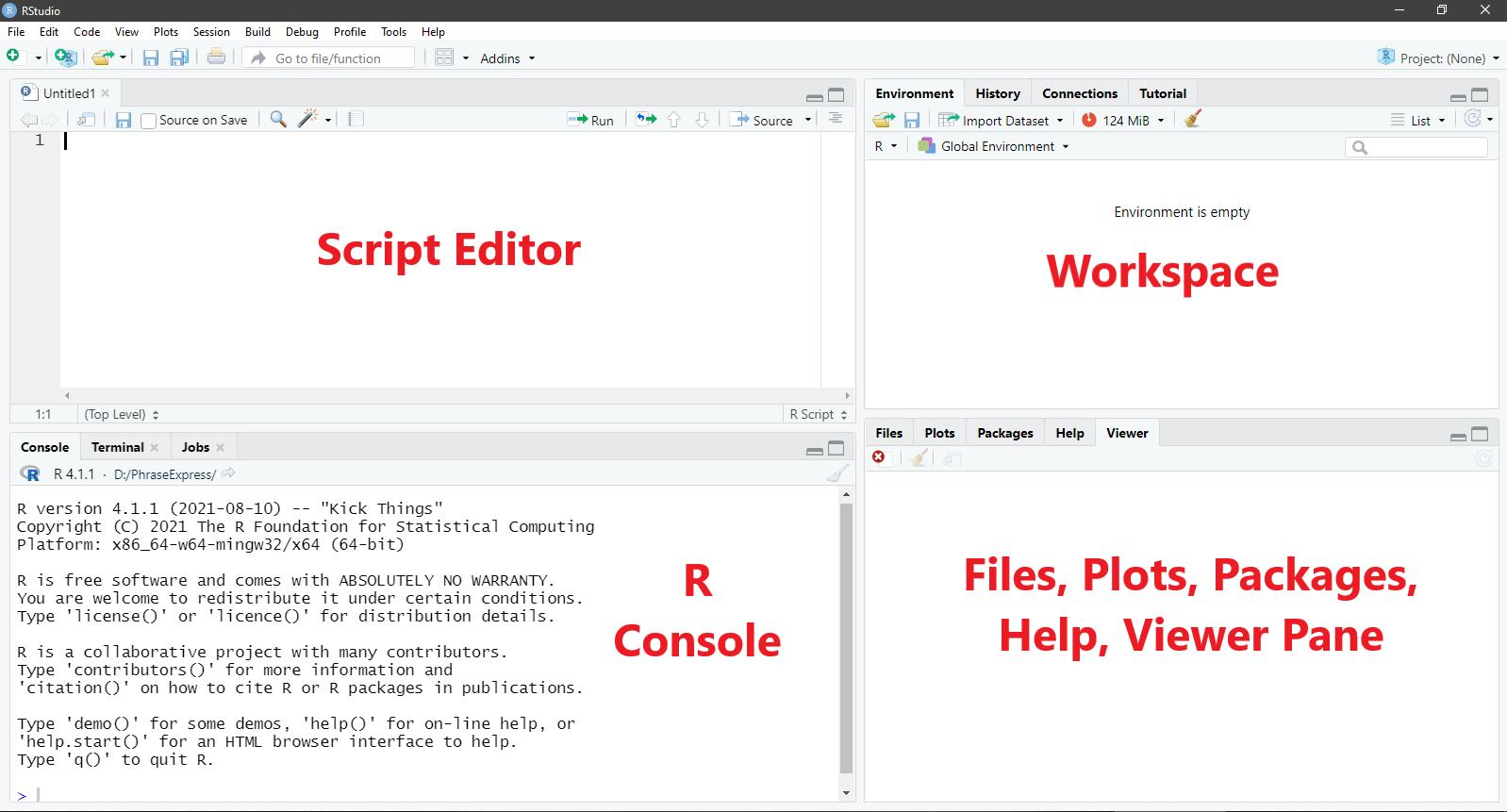
Introduction to R and RStudio

  • What is R and why is it used?
  • Applications in statistics, research, economics, and data science.
  • R versus SPSS, Python, and Excel.
  • Installing R and RStudio Desktop.
  • Introduction to the R console and script editor.
  • Understanding projects, working directories, and file paths.
  • Writing and executing commands.
  • Comments, syntax, and common errors.
  • Installing and loading packages.
  • Saving scripts and managing analysis files.
Module 2

R Basics and Data Types

  • Variables and assignment operators.
  • Numeric, integer, character, and logical data types.
  • Missing values using NA.
  • Special values such as NULL, NaN, and Inf.
  • Basic arithmetic and comparison operators.
  • Logical operators.
  • Type conversion.
  • Creating and using objects.
  • Basic mathematical functions.
  • Working with dates and text.
  • Understanding R's object-based approach.
Module 3

Data Structures in R

  • Vectors and vectorized calculations.
  • Creating, indexing, and slicing vectors.
  • Factors and categorical variables.
  • Matrices and matrix operations.
  • Lists and nested objects.
  • Data frames and tabular data.
  • Tibbles: an introduction.
  • Selecting rows and columns.
  • Understanding dimensions and object structure.
  • Choosing suitable structures for different data types.
Module 4

Data Import and Export

  • Importing CSV and text files.
  • Reading Excel data using suitable packages.
  • Importing datasets from SPSS.
  • Understanding file encodings and delimiters.
  • Inspecting data using head(), str(), and summary().
  • Writing datasets to CSV and other formats.
  • Exporting results and tables.
  • Managing working directories and file paths.
  • Organizing research data and scripts.
Module 5

Data Cleaning and Transformation

  • Identifying missing values.
  • Counting and handling missing observations.
  • Detecting duplicate records.
  • Renaming columns and correcting data types.
  • Filtering and sorting observations.
  • Creating and modifying variables.
  • Recoding categorical variables.
  • Converting character variables into factors.
  • Combining and splitting datasets.
  • Merging data frames using common identifiers.
  • Reshaping data from wide to long formats.
  • Introduction to the dplyr and tidyr packages.
Module 6

Data Visualization

  • Introduction to base R graphics.
  • Bar plots and pie charts.
  • Histograms and density plots.
  • Boxplots and outlier detection.
  • Scatterplots and line charts.
  • Titles, labels, legends, and axes.
  • Exporting charts for reports and presentations.
  • Introduction to ggplot2.
  • Understanding the grammar of graphics.
  • Mapping variables to axes, colors, and groups.
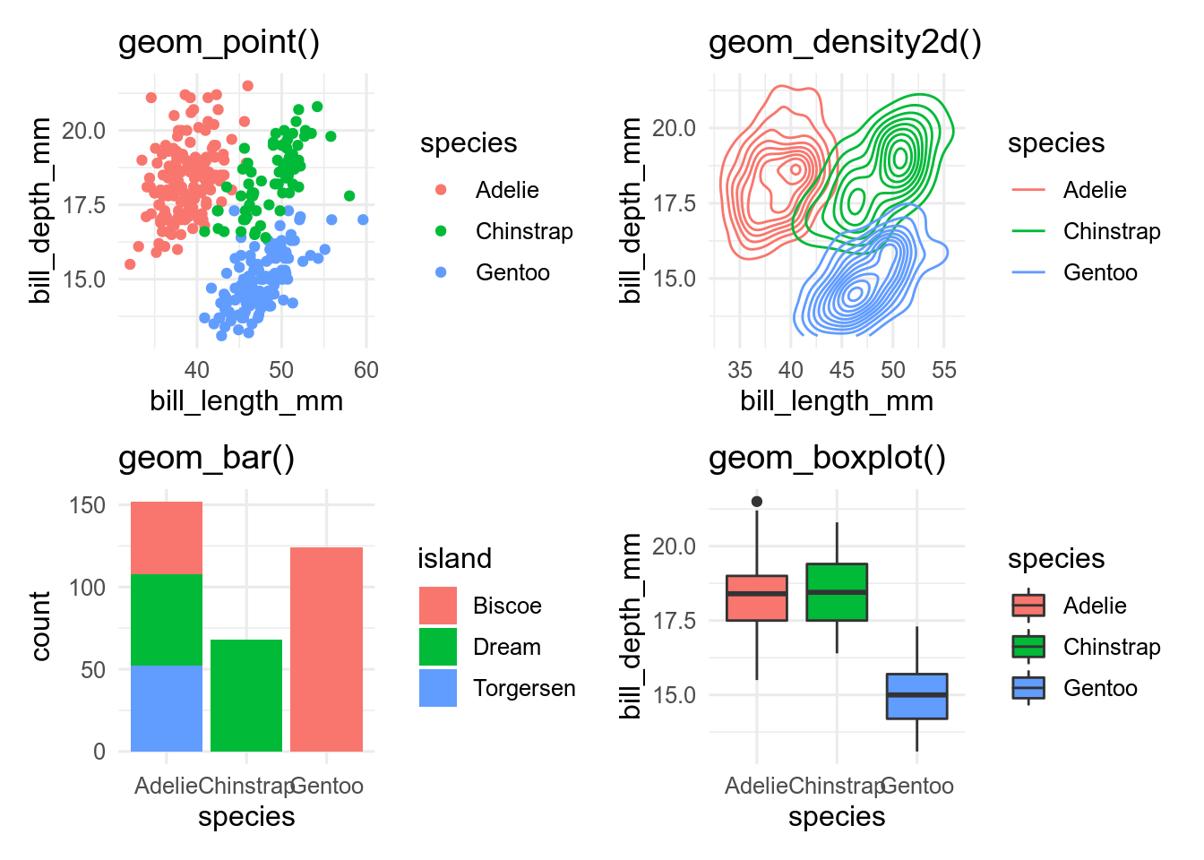
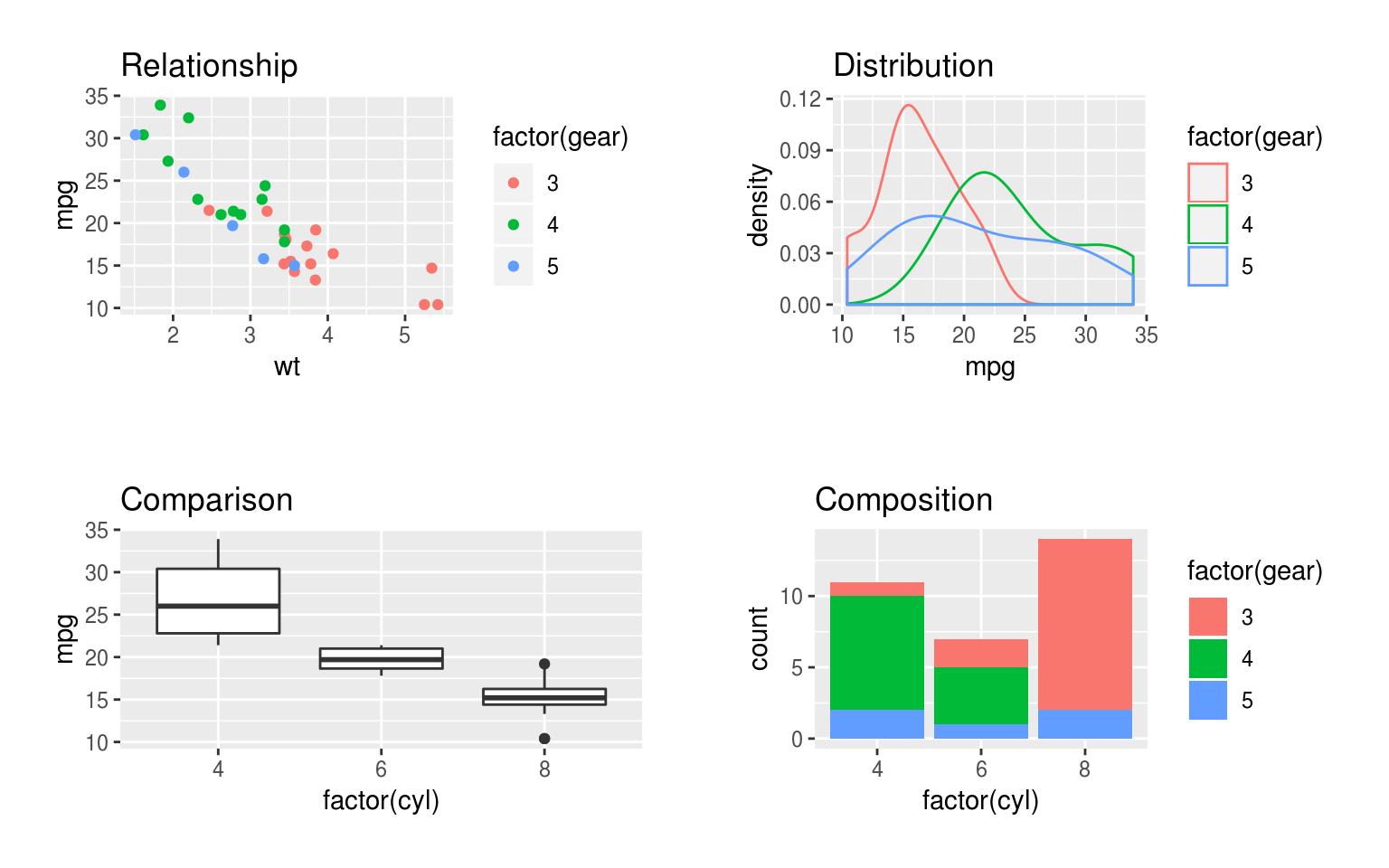
  • Creating layered charts using geom_* functions.
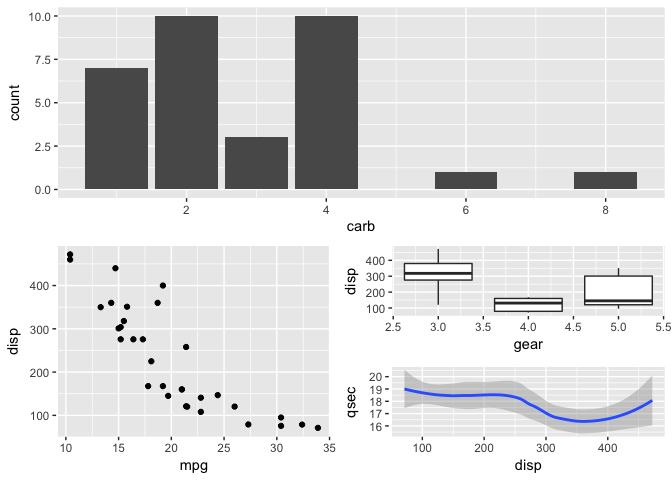
  • Faceting and comparing multiple groups.
  • Improving chart clarity and publication quality.
Module 7

Descriptive Statistics

  • Understanding variables and measurement levels.
  • Frequency distributions and proportions.
  • Mean, median, and mode.
  • Range, variance, and standard deviation.
  • Quantiles and percentiles.
  • Grouped descriptive statistics.
  • Summary tables and cross-tabulations.
  • Correlation matrices.
  • Visualizing distributions.
  • Reporting descriptive findings in research.
  • Choosing statistics appropriate for different data types.
Module 8

Probability and Statistical Inference

  • Basic probability concepts.
  • Random variables and probability distributions.
  • Normal, binomial, and other common distributions.
  • Sampling and sampling distributions.
  • Standard errors and confidence intervals.
  • Null and alternative hypotheses.
  • P-values and significance levels.
  • Type I and Type II errors.
  • One-sample, independent, and paired t-tests.
  • Chi-square tests.
  • Nonparametric alternatives.
  • Interpreting statistical output and assumptions.
Module 9

Correlation and Regression

  • Understanding relationships between variables.
  • Pearson and Spearman correlation.
  • Scatterplots and correlation coefficients.
  • Simple linear regression.
  • Multiple linear regression.
  • Model coefficients and their interpretation.
  • R-squared and adjusted R-squared.
  • Residual analysis.
  • Basic regression assumptions.
  • Introduction to logistic regression.
  • Prediction and model limitations.
  • Reporting regression results.
Module 10

Questionnaire and Research Data Analysis

  • Importing survey datasets.
  • Coding categorical and Likert-scale responses.
  • Creating composite scores.
  • Summarizing questionnaire responses.
  • Crosstabulation and group comparisons.
  • Reliability analysis and Cronbach's alpha.
  • Introduction to exploratory factor analysis.
  • Basic group-wise statistical analysis.
  • Preparing tables and figures for research papers.
  • Interpreting and communicating findings responsibly.
Module 11

Programming Fundamentals in R

  • Writing reusable functions.
  • Function arguments and return values.
  • Conditional statements using if and else.
  • Iteration using for and while loops.
  • Applying functions with lapply() and sapply().
  • Introduction to vectorization and the apply() family.
  • Using packages and namespaces.
  • Error handling and debugging.
  • Writing clean and reusable scripts.
  • Introduction to basic automation of data-analysis tasks.
Module 12

Reproducible Research and Reporting

  • Organizing R projects.
  • Writing clear, documented scripts.
  • Setting random seeds for reproducibility.
  • Separating raw data, cleaned data, and outputs.
  • Introduction to R Markdown.
  • Introduction to Quarto.
  • Combining text, R code, tables, and charts.
  • Generating HTML and PDF reports.
  • Creating dynamic reports that update with the data.
  • Sharing analysis files with collaborators.
  • Best practices for transparent and reproducible research.
Module 13

Introduction to Advanced Analytical Applications

  • Introduction to time-series data.
  • Basic trend visualization.
  • Introduction to clustering.
  • Basic classification concepts.
  • Introduction to machine learning packages.
  • Understanding model training and evaluation.
  • Introduction to specialized statistical packages.
  • Identifying suitable methods for a research question.
  • Understanding the distinction between introductory and advanced analysis.
Module 14

Practical Research Project

  • Select a sample survey or research dataset.
  • Import and inspect the data.
  • Clean and transform variables.
  • Perform descriptive statistical analysis.
  • Conduct appropriate statistical tests.
  • Generate visualizations using ggplot2.
  • Interpret the results.
  • Prepare a reproducible report using R Markdown or Quarto.
  • Export results for a thesis, report, or research paper.

Participants will be able to import, clean, analyze, and visualize research data in R, conduct common statistical tests, create publication-quality graphics, and produce reproducible reports.

← Back to courses