About the LaTeX Training Course
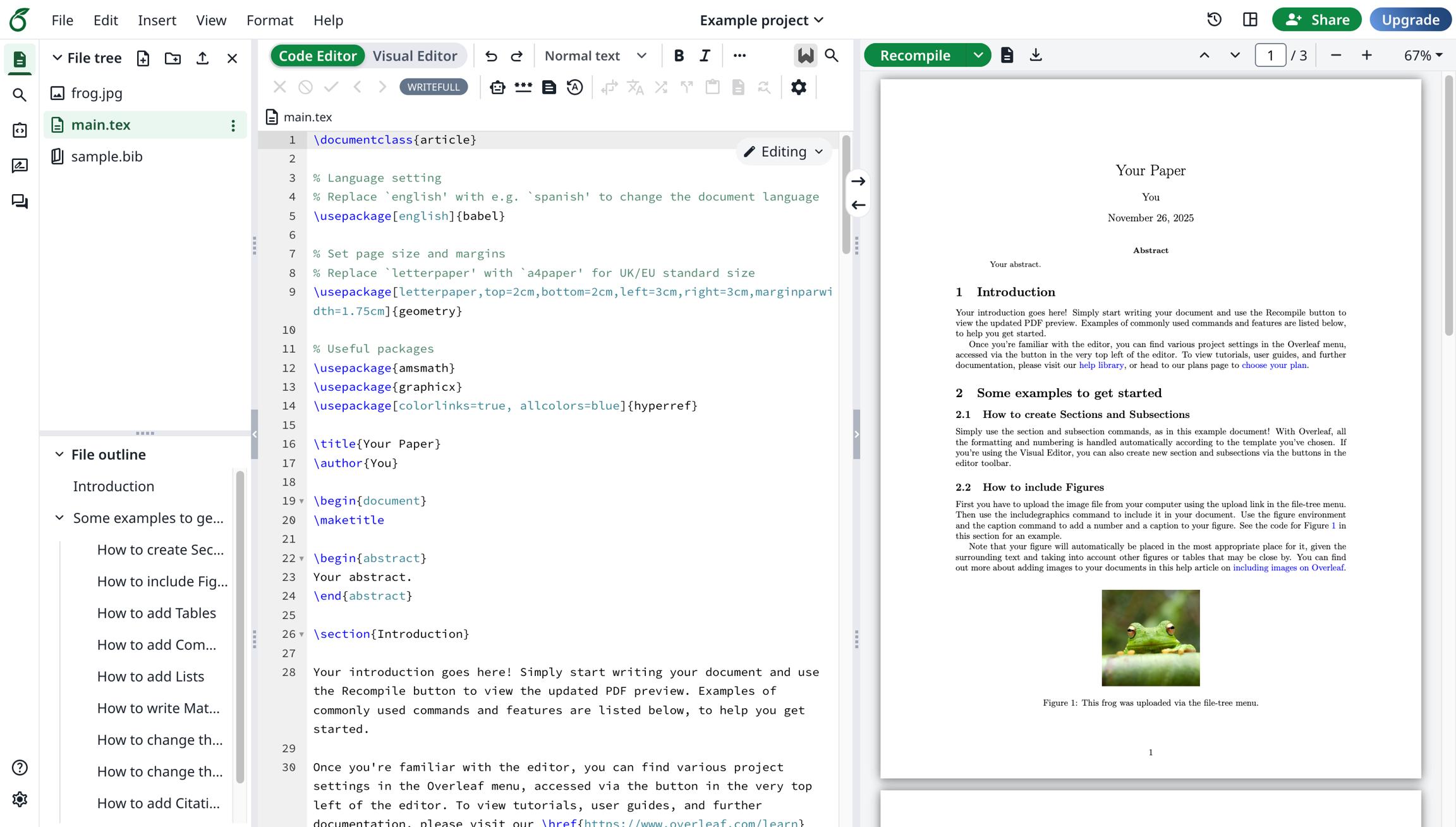
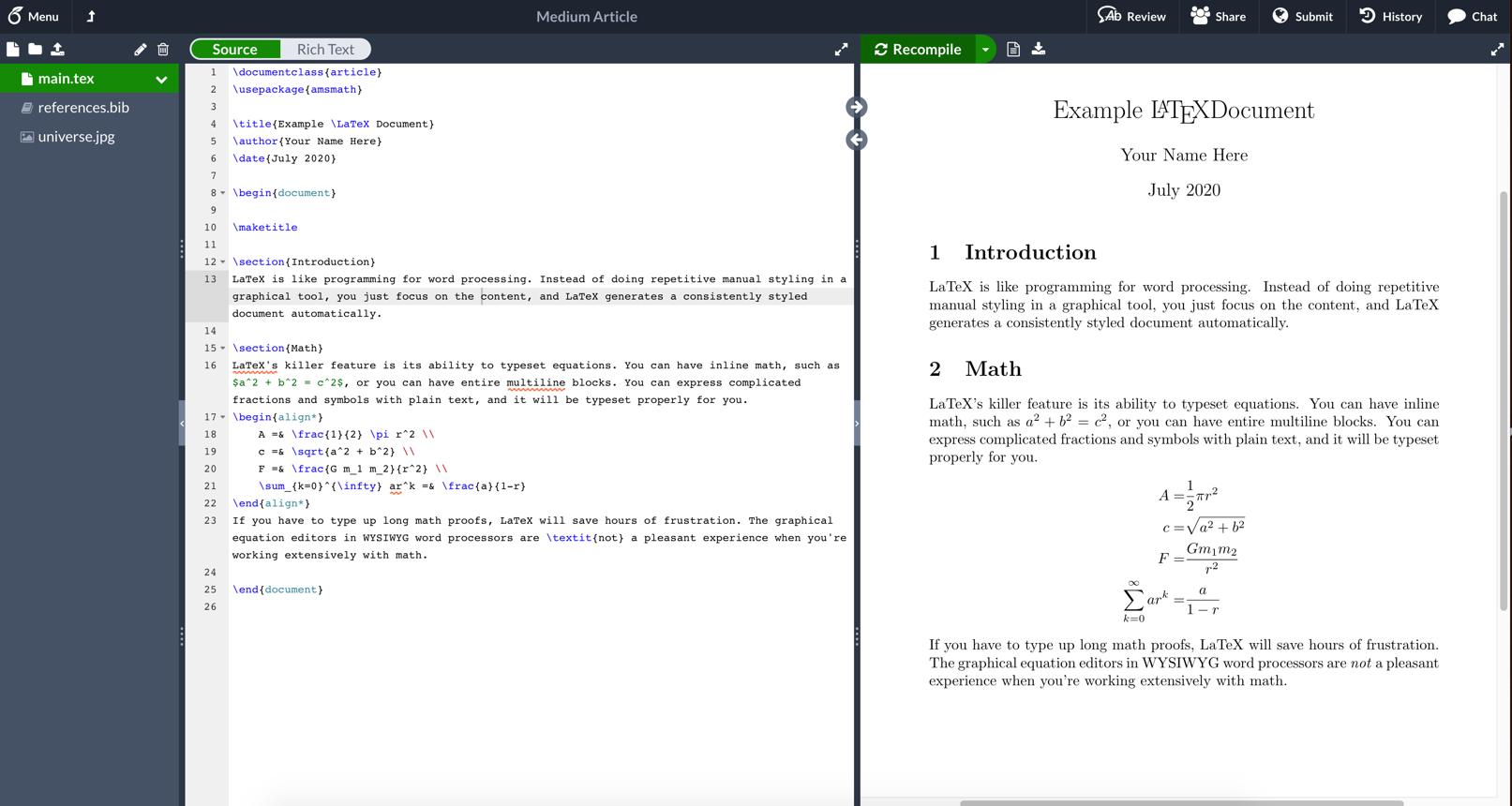
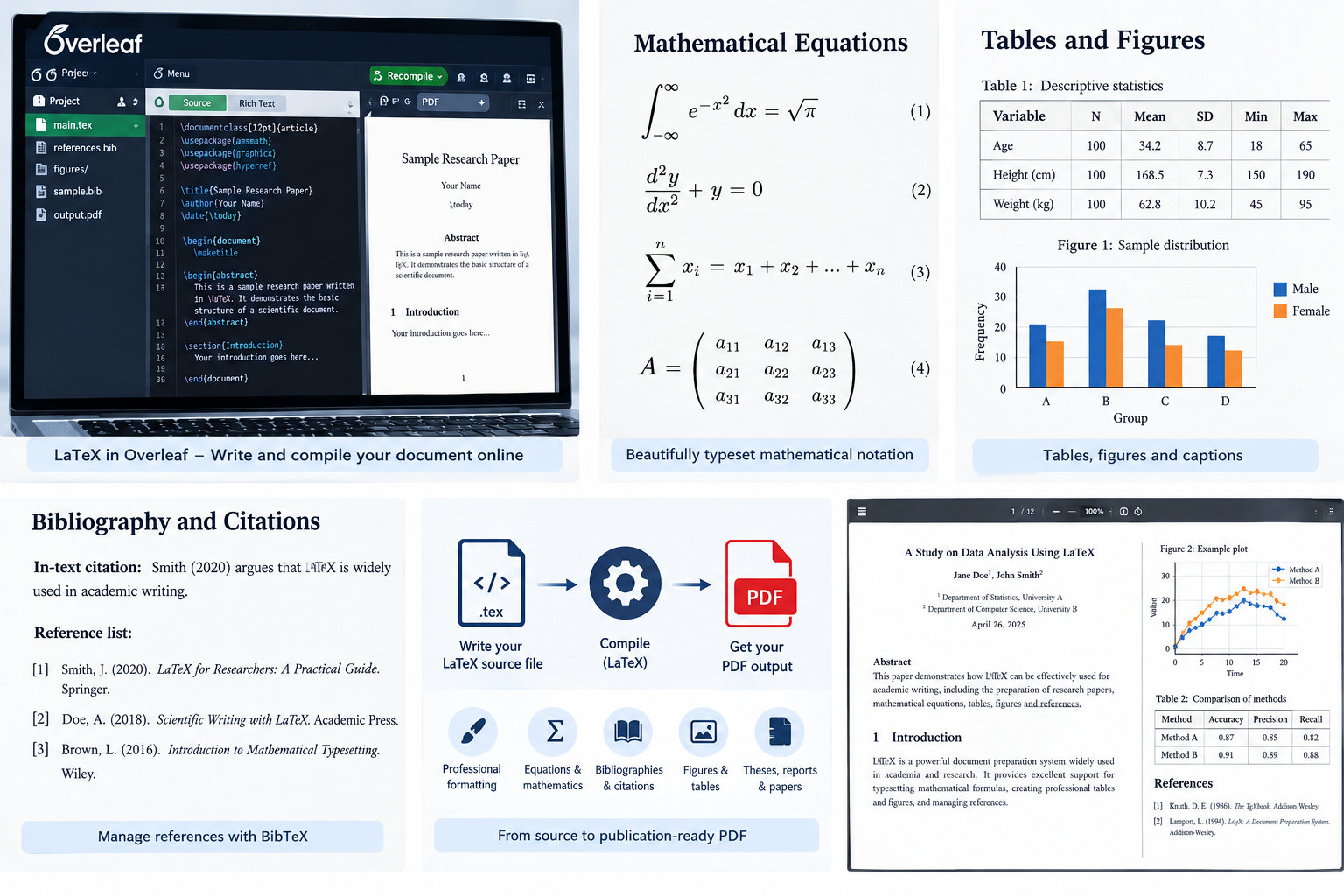
The LaTeX — Scientific Writing and Research Document Preparation course is designed to help students, researchers, faculty members, teachers, and professionals learn how to create well-structured, professionally formatted scientific and academic documents using LaTeX. Preparing research papers, theses, dissertations, technical reports, and conference submissions often involves complex formatting requirements, mathematical equations, tables, figures, and references. Although word-processing software is suitable for many everyday documents, researchers working with mathematical notation, technical content, and publication-specific templates may benefit from a document preparation system that provides greater control over structure and formatting. LaTeX is widely used in mathematics, computer science, engineering, physics, and other scientific disciplines because it supports consistent document formatting, automatic numbering, cross-referencing, and high-quality typesetting. This training introduces LaTeX from the ground up, making it accessible to beginners with little or no programming experience. Participants will learn what LaTeX is, how it differs from conventional word processors, and how to prepare documents using its basic commands and document structure. The course also introduces Overleaf, an online LaTeX editor that allows users to write, compile, preview, and share documents directly through a web browser. Participants will become familiar with creating projects, editing source files, compiling documents into PDF format, organizing files, and resolving common compilation errors. Through guided demonstrations and practical exercises, learners will gradually develop the skills needed to create their own academic and technical documents.
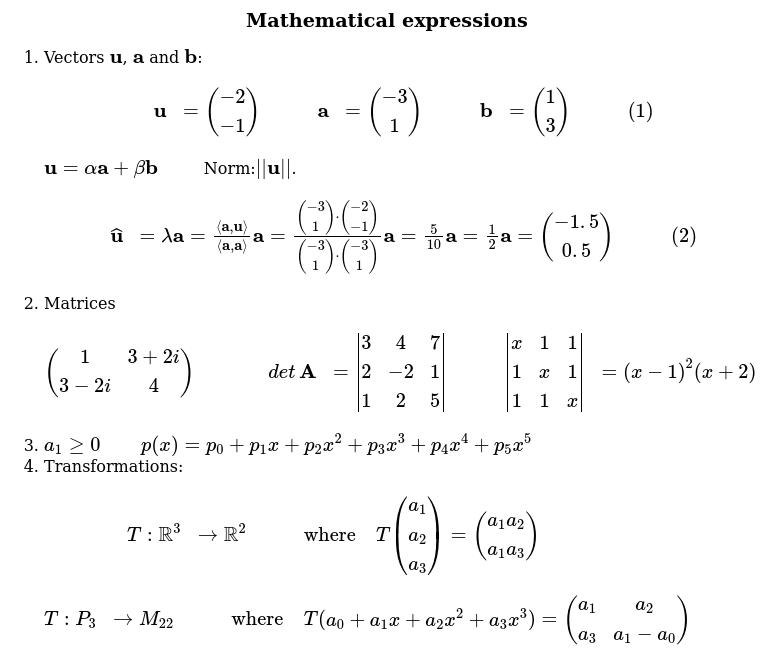
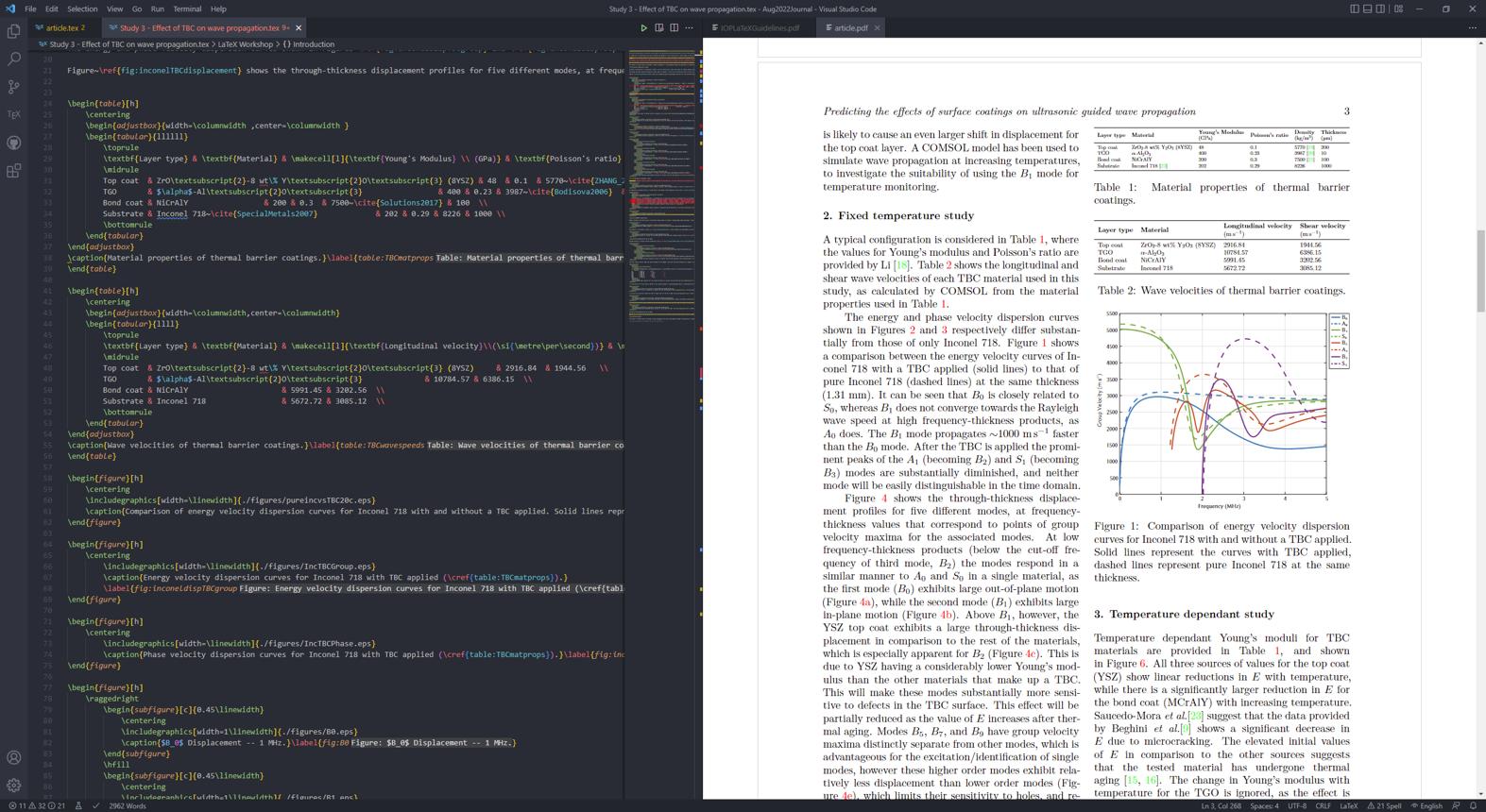
A major component of the course focuses on the practical elements of scientific document preparation. Participants will learn how to structure documents using sections and subsections, format text, control page layout, manage page numbering, and create organized lists and tables. Particular emphasis will be placed on mathematical typesetting, including fractions, subscripts, superscripts, Greek letters, summations, integrals, matrices, aligned equations, and other expressions commonly used in scientific research. The training also covers inserting figures and images, creating captions, positioning graphics, numbering tables and equations, and referencing these elements within the text. Participants will learn how automatic numbering and cross-referencing can reduce manual formatting effort and improve consistency when documents are revised. Another important area is bibliography and citation management. Researchers will be introduced to BibTeX and relevant bibliography tools for organizing references and generating citations in different academic styles. The course will demonstrate how to maintain bibliographic information, cite journal articles and books, and create reference lists suitable for research papers and theses. Participants will also explore the use of LaTeX templates for journal articles, conference papers, dissertations, and technical reports. Additional topics include creating a table of contents, lists of figures and tables, hyperlinks, appendices, and multi-file projects. An introduction to Beamer presentations will demonstrate how LaTeX can also be used to prepare academic slides containing equations, figures, tables, and references. These skills are particularly useful for researchers who need to produce consistent, readable, and publication-ready documents while reducing the time spent on repetitive formatting tasks.
The course follows a hands-on learning approach, allowing participants to practice each concept and progressively build a complete document. Instead of focusing exclusively on LaTeX commands, the training emphasizes how these commands are applied in real academic and professional scenarios. Participants will work through examples involving research paper structures, mathematical expressions, tables, figures, citations, and document formatting. They will also learn how to identify common syntax errors, troubleshoot compilation problems, organize source files, and make revisions without disrupting the overall document structure. By the end of the training, participants should be able to create and format basic research papers, theses, dissertations, technical reports, and academic presentations using LaTeX. They will understand how to work with online editing tools, use document templates, manage references, and maintain consistent formatting across lengthy documents. The course is particularly suitable for undergraduate and postgraduate students, PhD scholars, academic researchers, faculty members, and professionals preparing technical or scientific publications. No previous LaTeX or programming experience is required, although familiarity with basic computer operations will be helpful. The training is delivered online through live, instructor-led sessions and can be arranged for individual participants or groups. Supporting materials, including presentation slides, notes, exercises, and relevant examples, are provided to reinforce learning, along with an e-certificate upon completion. The detailed syllabus below outlines the topics covered, providing participants with a clear understanding of the skills they will develop throughout the training.