About the SPSS Training Course
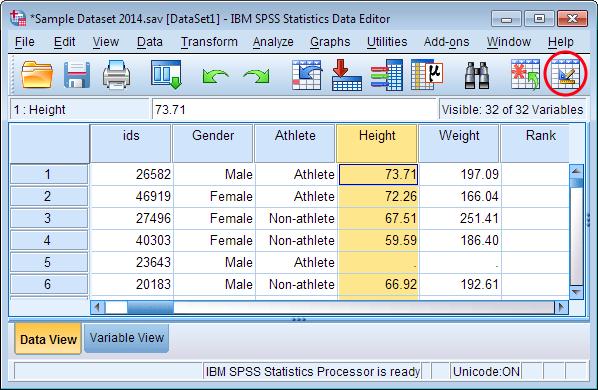
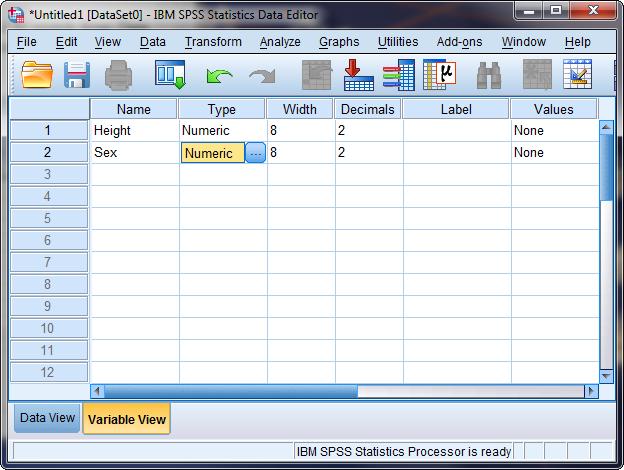
The SPSS — Statistical Analysis for Beginners course is designed to help students, researchers, faculty members, teachers, and professionals develop practical skills in statistical data analysis using IBM SPSS Statistics. Statistical analysis is an essential part of academic research, surveys, dissertations, research projects, and evidence-based decision-making. However, many beginners find it difficult to decide which statistical techniques to use, how to prepare their data, or how to interpret the results generated by statistical software. This training addresses these challenges through a structured, step-by-step introduction to SPSS, beginning with the fundamentals and gradually progressing towards commonly used statistical methods. Participants will become familiar with the SPSS interface, learn how to create and manage datasets, define variables, enter observations, assign value labels, and import data from Excel and CSV files. Particular attention will be given to preparing data for analysis, including identifying missing values, detecting duplicate records, correcting data-entry errors, recoding variables, and transforming data into suitable formats. These foundational skills are important because the quality of statistical results depends heavily on the accuracy and organization of the underlying data. The course is suitable for individuals with little or no prior experience of SPSS and does not require an advanced mathematical or programming background.
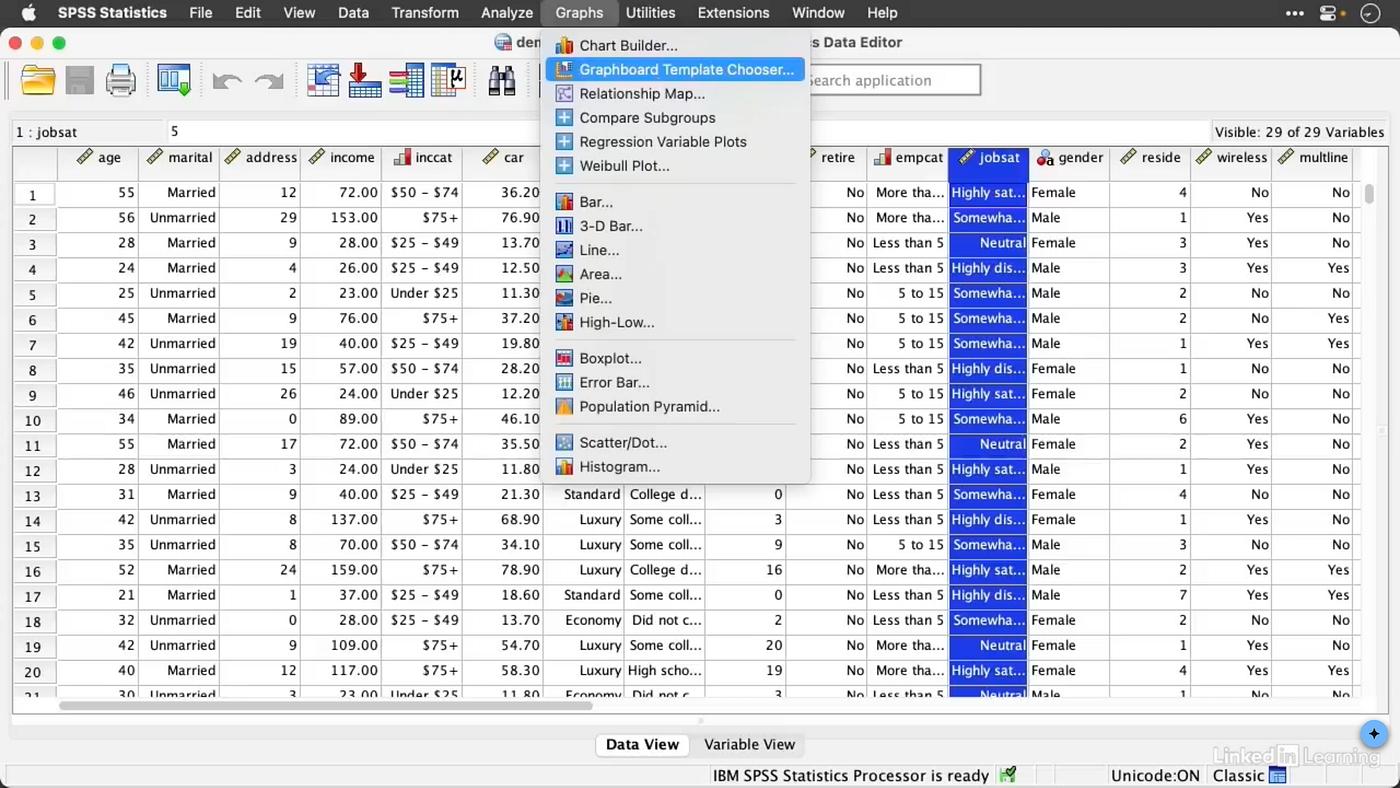
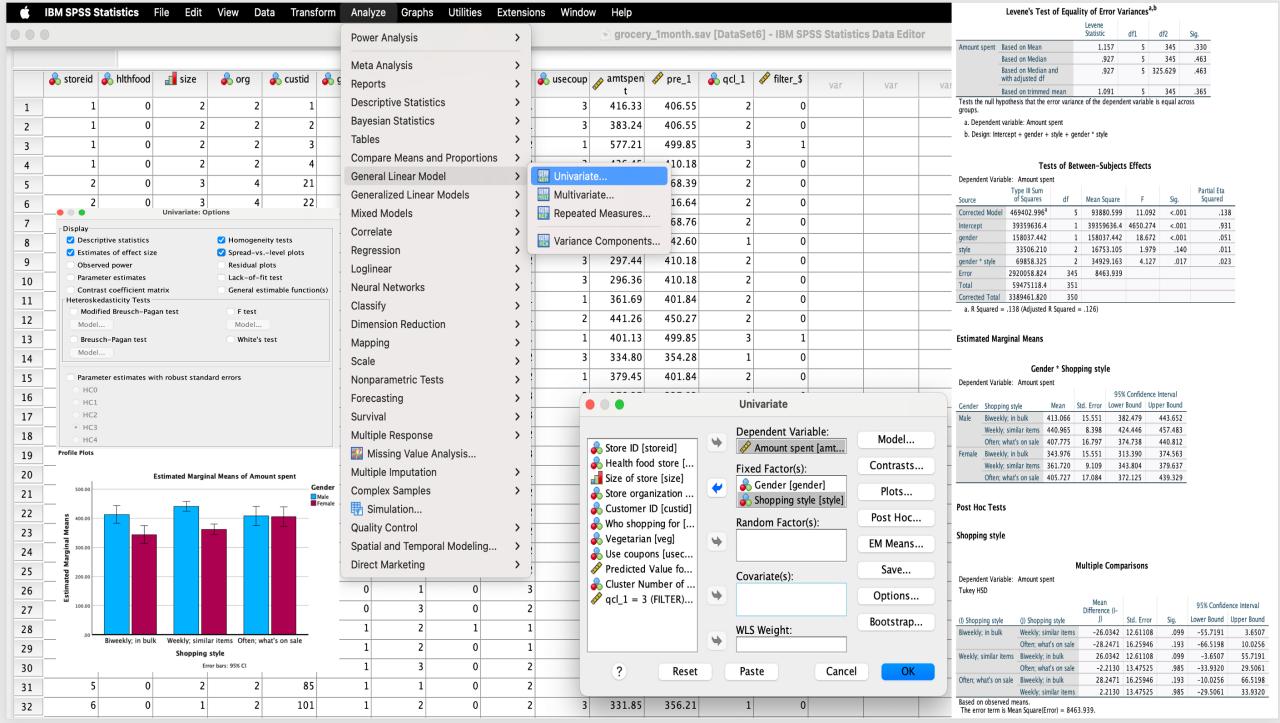
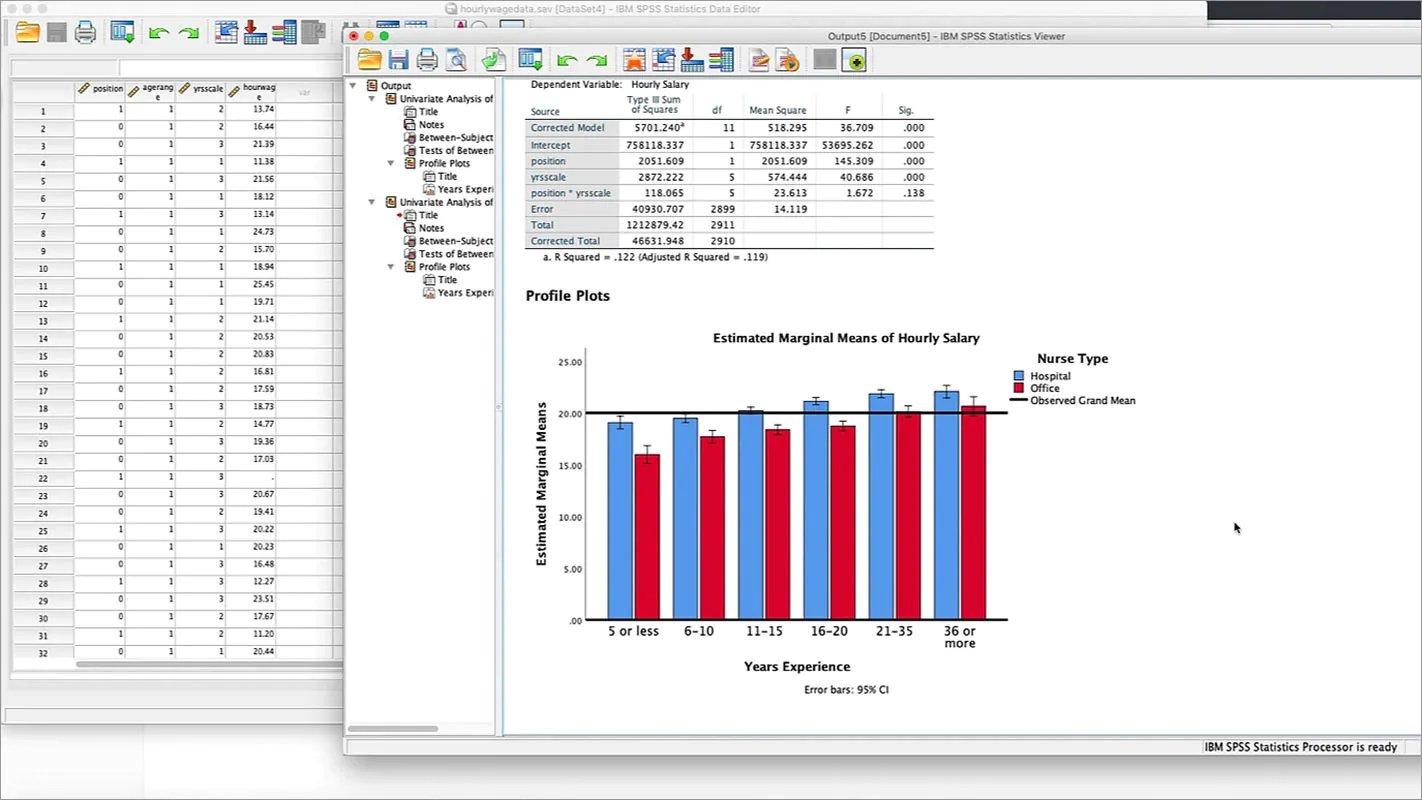
A major component of the training focuses on descriptive statistics, data visualization, and statistical hypothesis testing. Participants will learn how to summarize datasets using frequencies, percentages, means, medians, modes, standard deviations, ranges, and other commonly used measures. They will also explore how to present information through bar charts, pie charts, histograms, boxplots, and scatterplots, selecting appropriate visualizations according to the nature of the data and the research question. Moving beyond descriptive analysis, the course introduces the principles of inferential statistics, including research hypotheses, null and alternative hypotheses, significance levels, p-values, confidence intervals, and the interpretation of statistical significance. Participants will learn how to select and apply commonly used statistical tests, including one-sample, independent-samples, and paired-samples t-tests, analysis of variance (ANOVA), chi-square tests, and selected nonparametric alternatives. The training also introduces correlation and regression analysis, enabling participants to investigate relationships between variables and understand how one or more factors may be associated with an outcome. In addition, questionnaire-based research will be addressed through practical exercises involving Likert-scale responses, composite variables, reliability analysis, and Cronbach's alpha, with an introduction to exploratory factor analysis. Throughout these topics, emphasis will be placed not only on running statistical procedures in SPSS but also on understanding their purpose, checking relevant assumptions, interpreting output tables, and explaining findings in clear language. Participants will also learn why statistical significance should not automatically be interpreted as practical importance and why the choice of an analytical method must be guided by the research question, measurement level, and characteristics of the data.
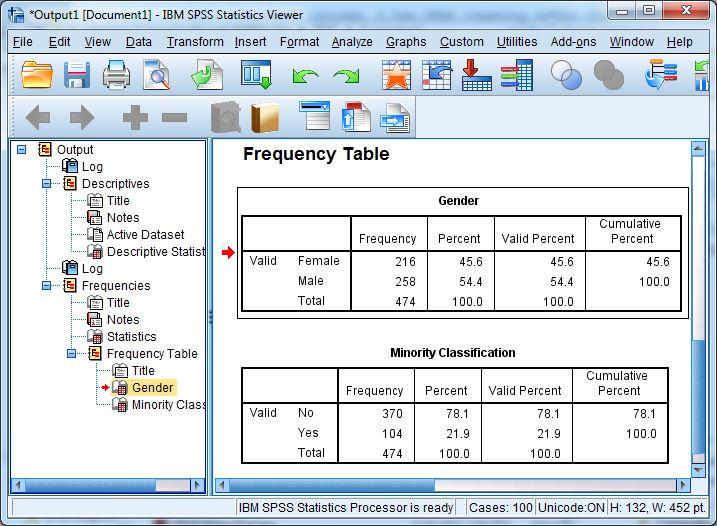
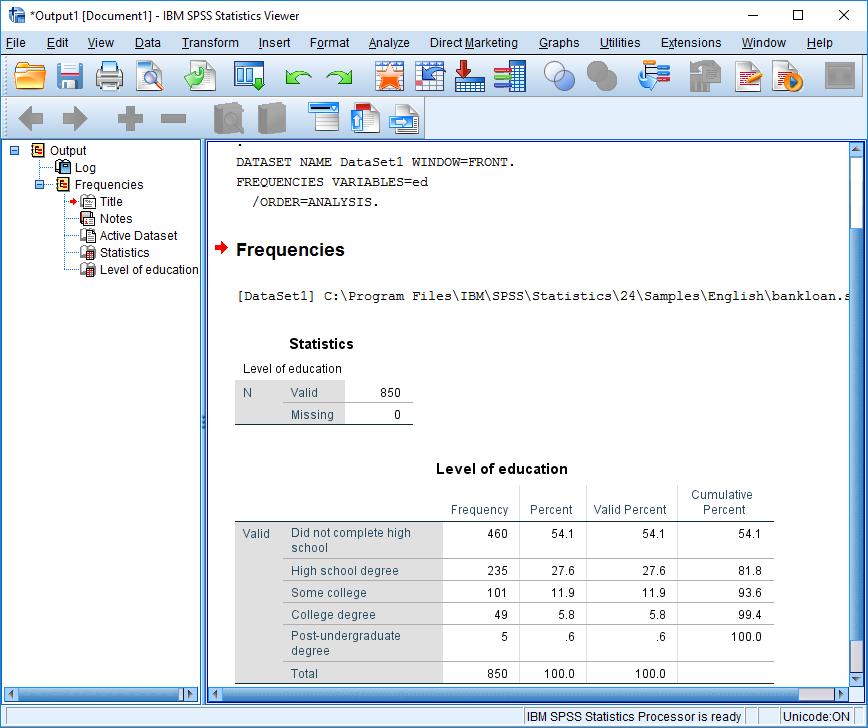
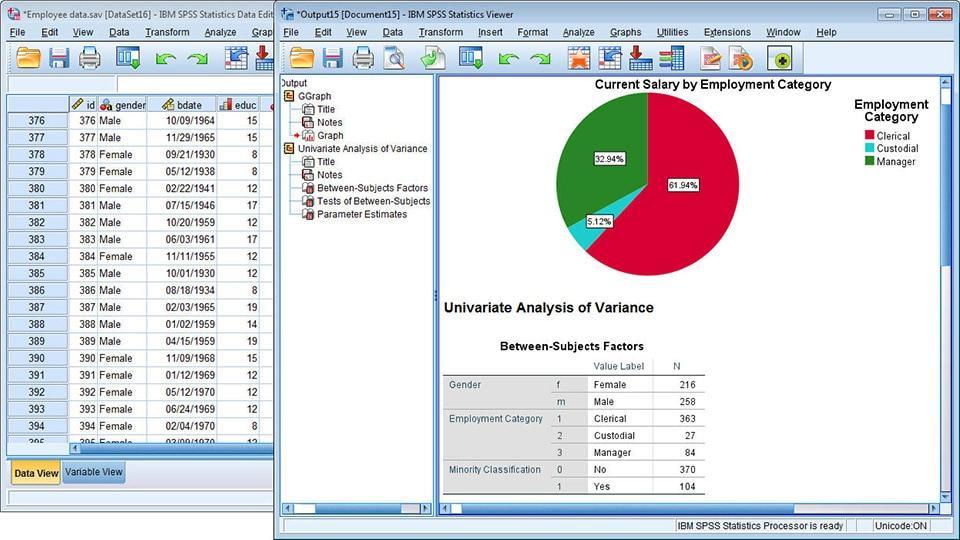
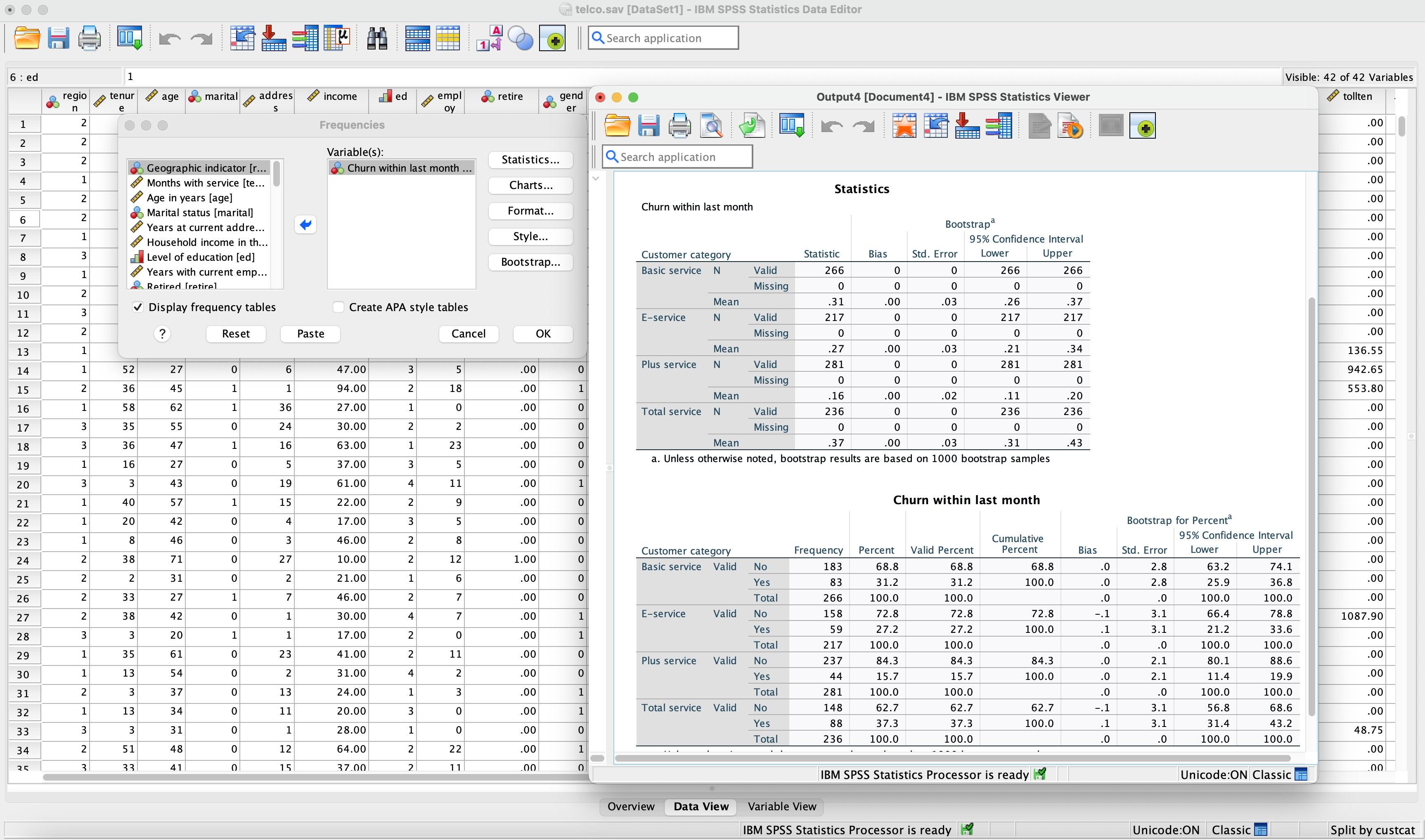
The course adopts a practical, hands-on approach so that participants can apply the concepts to their own academic or professional work. Demonstrations and exercises will use sample datasets and research-oriented examples to illustrate the complete analytical process, from importing and cleaning data to conducting statistical tests and preparing results for reporting. Participants will learn to navigate the SPSS Output Viewer, identify the statistics relevant to their objectives, and transfer tables and charts into Microsoft Word and other reporting formats. The training will also introduce basic principles of presenting statistical findings in research reports, theses, dissertations, and academic papers, including the appropriate reporting of descriptive statistics, test statistics, p-values, and relevant measures of association or model fit. Common mistakes, such as choosing an unsuitable test, misinterpreting p-values, ignoring missing observations, or reporting results without considering assumptions, will be discussed using practical examples. By the end of the training, participants should be able to organize a dataset, conduct common statistical analyses, create informative visualizations, interpret standard SPSS outputs, and prepare results suitable for academic and professional reporting. The course is particularly valuable for postgraduate students, PhD scholars, early-career researchers, and professionals who need to analyze quantitative data but have limited experience with statistical software. No previous SPSS experience is required. The training is delivered online through live, instructor-led sessions and can be arranged for individual participants or groups. Participants receive supporting learning materials, including presentation slides, notes, exercises, and datasets, along with an e-certificate upon completion. The detailed syllabus below outlines the topics covered, providing a clear overview of the skills and techniques participants can expect to develop during the training.